Image
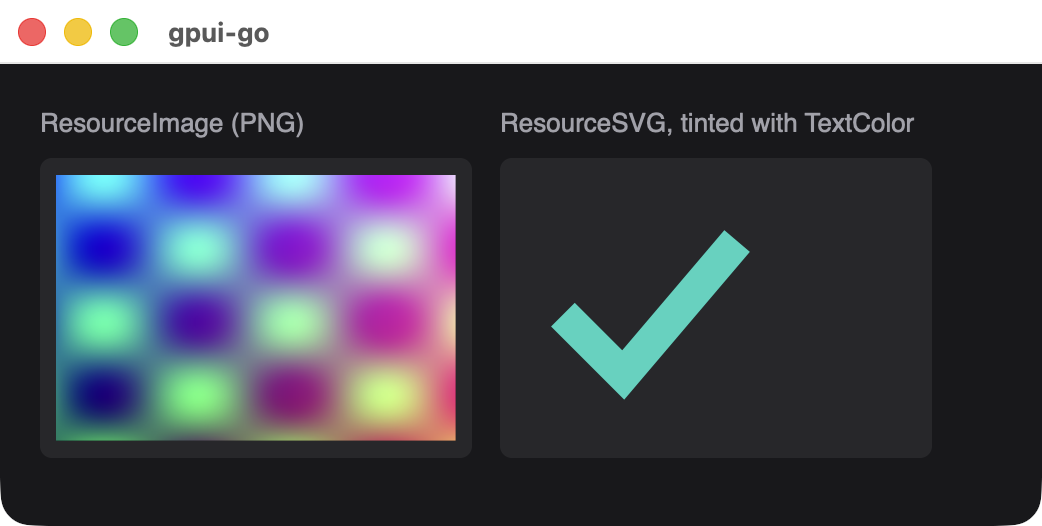
Displays an uploaded raster image or SVG icon. Image bytes are uploaded once, and snapshots refer to them by handle.
logo, err := app.UploadResource(ctx, client.ResourceImage, "image/png", pngBytes)
if err != nil {
	return err
}

image := scene.Image(1, logo.Handle()).Style(&scene.Style{
	Width:  scene.Pixels(120),
	Height: scene.Pixels(120),
})
Signature
func Image(id uint64, resource *Handle) *Node| Parameter | Description |
|---|---|
id | Stable nonzero element ID |
resource | The handle from Resource.Handle(), which must be an image or SVG resource. Nil panics |
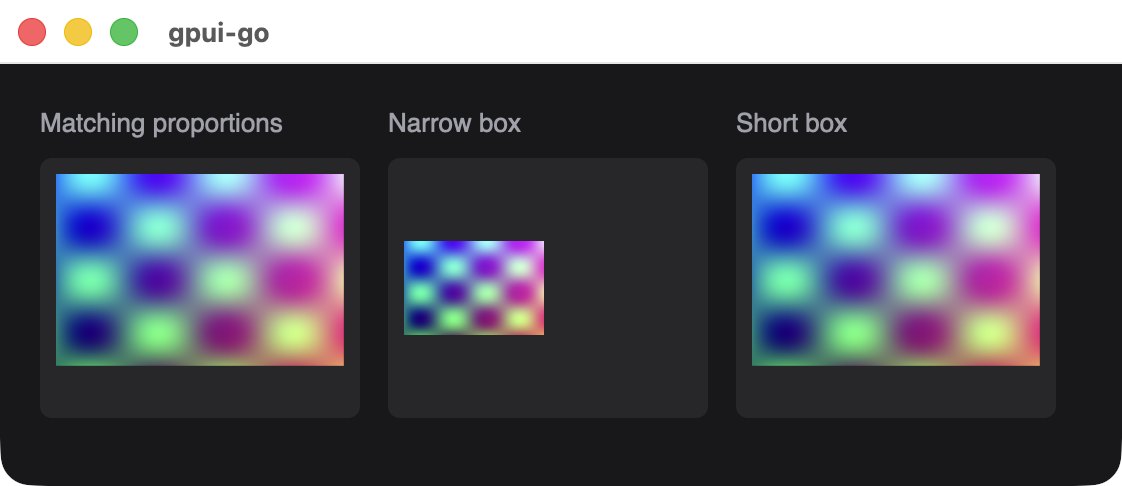
Set Width and Height, and give the element the same proportions as the image. The image keeps its aspect ratio and is never stretched. In a narrower box it shrinks and is centered, and in a shorter box it extends past the bottom. Fit and cropping options are not available.
Uploading a resource
func (c *Client) UploadResource(ctx context.Context, kind ResourceKind, mediaType string, data []byte) (*Resource, error)| Kind | Content |
|---|---|
client.ResourceImage | PNG, JPEG, GIF or WebP. The format is detected from the bytes |
client.ResourceSVG | An SVG document |
client.ResourceFont | A font file. Select it through Style.FontFamily. It cannot be used as an image |
Animated formats currently show their first frame.
SVG color
An SVG is drawn as a single-color mask. Only its shapes and transparency matter, and the colors in the file are ignored, so a shape drawn on top of another shape disappears into it.
The color comes from TextColor on the image's style, or from the nearest ancestor that sets it, and defaults to black. Choose one that contrasts with the background, because a black icon on a dark panel is invisible.
icon := scene.Image(1, check.Handle()).Style(&scene.Style{
	Width:     scene.Pixels(32),
	Height:    scene.Pixels(32),
	TextColor: scene.RGB(0x2dd4bf),
})
A TextColor in a Hover style does not change an SVG. The image is scaled to the width of its box and keeps its proportions, so give it a box with the same shape as the SVG.
Limits
| Limit | Value |
|---|---|
| Single upload | 2 MiB, and not empty |
| Media type string | 128 bytes |
| Resources per session | 128 |
| Source bytes per session | 32 MiB |
| Decoded raster dimensions | 4096 by 4096 pixels |
| Native decoded cache | 64 MiB |
Releasing
Call Resource.Release(ctx) when you are finished. Remove the image from every installed view first, because releasing a resource that an installed view still references returns an error. A handle belongs to its session, and a snapshot that references an unknown handle is rejected with a stale-handle error.
Font faces stay installed until the application exits, and keep counting toward the native budget after release.
Available in other APIs
Image is only available through scene. In a ui application, use a separate window built with scene or attach a custom snapshot sink.